 $65 / hr
Tech help
Andrew Cho
5.0(2)Phones, tablets and smart TVs
West Caldwell
Mon · Tue · Wed · Thu · FriBackground checked
Essex County, NJ
Learn your phone, tablet and video calls, one step at a time. A local pro comes to the house and teaches at your pace, whether it is for you or for Mom or Dad.
 $65 / hr
Tech help
Phones, tablets and smart TVs
West Caldwell
 $65 / hr
Tech help
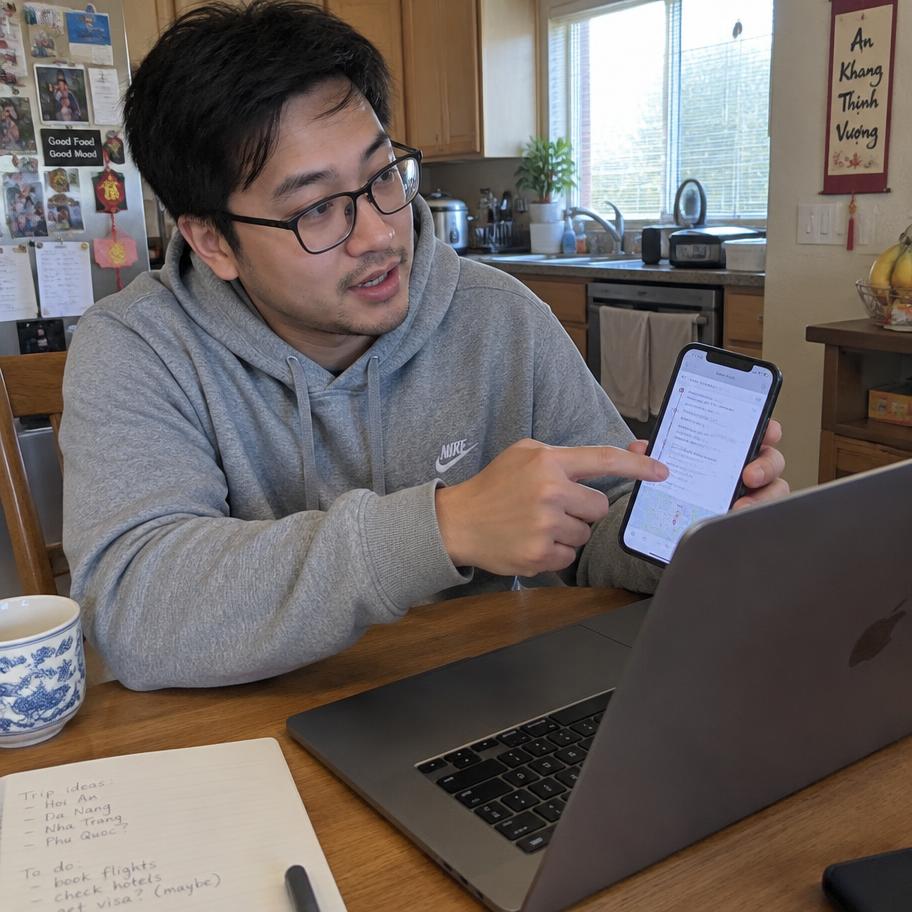
Phones, tablets and video calls
South Orange
 $75 / hr
Tech help
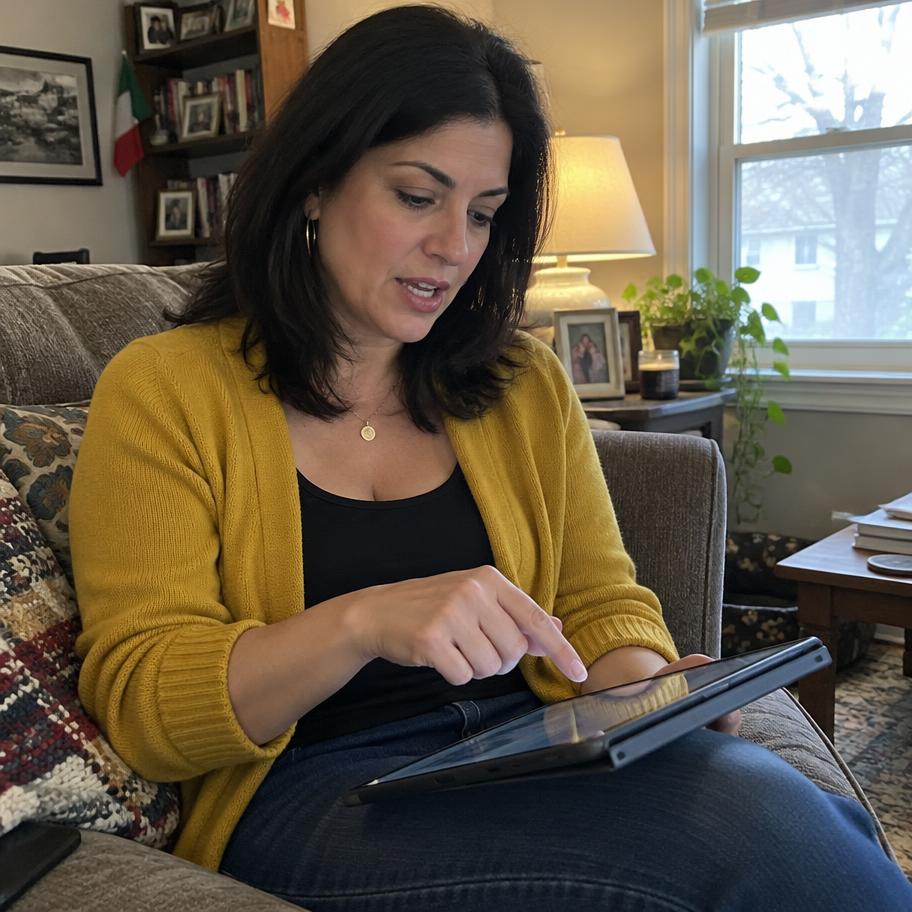
Tablets, email and photo sharing
Verona
 $55 / hr
Tech help + 1 more
iPhone, iPad, video calls and photo sharing
Glen Ridge
 $70 / hr
Tech help + 1 more
Smartphone basics, photos and safe online shopping
Livingston
 $80 / hr
Tech help
iPhone, iPad, email and video calls
Bloomfield
 $52 / hr
Tech help + 1 more
iPhone, iPad, video calls and photos
Roseland
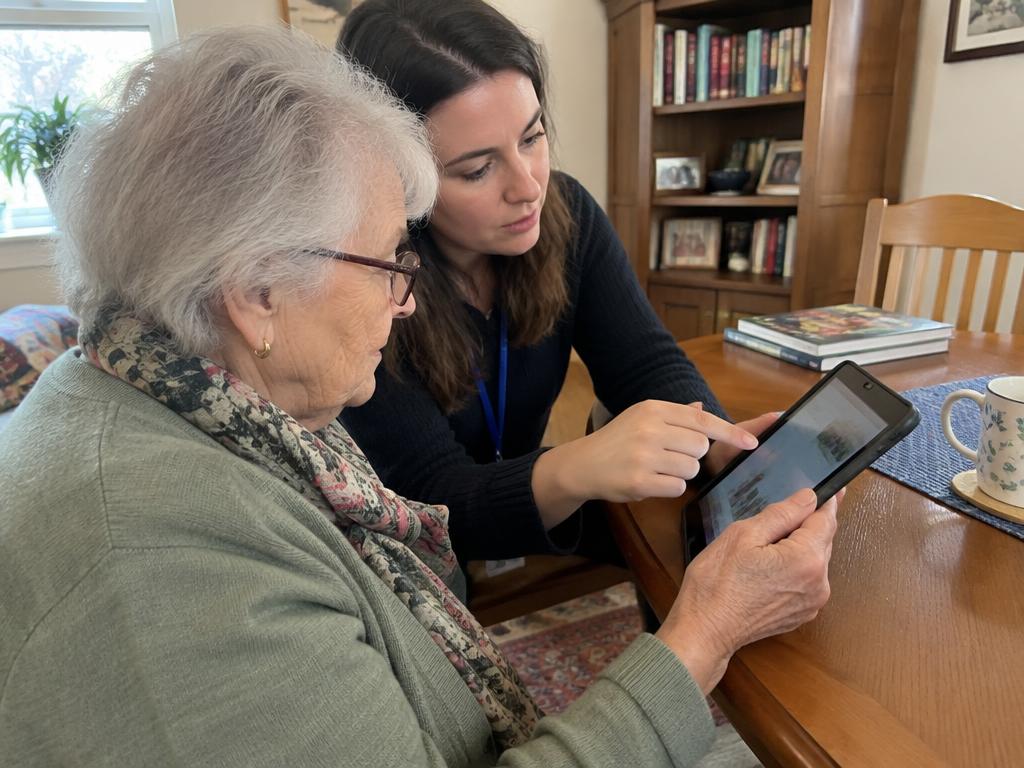
The pro will sit down next to you, not across from you, so you can both see the screen. They will ask what is bugging you most. The phone that keeps buzzing. The tablet the grandkids set up that nobody can work. The photos stuck on an old phone. Video calls that never connect. Then they pick one thing and work on it, step by step, with your hands on the device.
That last part matters. A good pro does not grab the phone and fix it in five seconds. They show you, let you try, and wait while you do it again. It is slower, and that is the point. You should be able to do it on your own after they leave.
Before leaving, many pros write down the steps in plain language, large enough to read. After each visit they also write a short note the family can see, so everyone knows what was covered.
Phones and tablets: making calls, texting, sending a photo, making the text bigger, setting up a contact list with big pictures of faces. Video calls: getting FaceTime, Zoom or another app to work so you can see grandkids or join a family gathering from your living room. Photos: finding them, sharing them, backing them up, printing a few.
Scam awareness is a big one. A pro can walk through the common tricks, like texts about a package you never ordered, calls pretending to be a bank or the IRS, or a pop up saying your computer is infected. They can help set up ways to block spam calls and explain the simple rule of hanging up and calling the real number yourself.
Other everyday tasks come up too: setting up email, using a library app for e-books if your town library offers one, ordering groceries online, checking the NJ Transit app before a train trip, or getting a patient portal working so you can see test results.
Tech help suits nearly anyone with a phone, tablet or computer that frustrates them. It is especially useful for people who got a new device as a gift and never learned it, people who used to rely on a spouse for anything technical, and people whose kids live far away and keep saying "just send me a picture."
It works best when the person wants to learn. If your parent is not interested at all, start with one thing they truly want, like seeing the grandkids on video, rather than a full tour of the phone. Someone with memory loss may need the same lesson repeated and simplified, which a patient pro will happily do. A one-page cheat sheet taped beside the tablet, with the three things they use most, can make a big difference between visits.
Charge every device before the visit. Find the passwords, including the Apple ID or Google account login, the Wi-Fi password (often on a sticker on the router) and any email passwords. Write them down in a notebook if they are not already. A lot of tech visits stall because nobody knows the password.
Make a short list of what bothers you or what you want to learn. Have your glasses and hearing aids handy. Good light at the kitchen table makes small screens easier to see. If a family member set things up, it can help to have them on the phone for a minute during the first visit.
Week one usually tackles the most annoying problem. Weeks two and three build the basics: tapping, swiping, typing, getting back to the home screen when lost. By week four, most people can handle calls, texts, photos and a video call without help.
Weeks five through eight are for the extras and for practice. Sharing albums with family, setting up reminders, ordering a prescription refill online, spotting a scam text without a second thought. Repetition is what makes it stick. Many people keep a regular visit long after they feel comfortable, because new updates and new devices keep coming.
Expect a few setbacks. A phone update moves a button, or a new password prompt appears out of nowhere, and suddenly nothing looks familiar. That is normal and not a sign of failing. Keep the notebook of written steps by the phone, add to it each week, and bring the new puzzles to the next visit. Over two months that notebook becomes a personal manual written in your own words, and it is often the most useful thing to come out of the lessons.
Profiles show what devices each pro works with, the towns they serve, usual days and reviews. Credentials are self-reported unless marked verified. Ask in a message: "Do you work with iPhones, Android or both?" "My mother is hard of hearing. How do you teach?" "Will you leave written instructions?" Contact details stay private in messages.
Pros set their own hourly rate between $50 and $150. Visits are 1, 1.5 or 2 hours at that rate, plus a $2.50 booking fee and a 10% service fee at checkout. One hour is plenty for most people, since learning new things on a screen is tiring. Book a single visit, 4 weeks at the same time, or every week until you cancel. Cancelling is free up to 3 days before, 50% between 3 days and 12 hours, and full price inside 12 hours. Homes 20 or more miles from the pro add a $25 travel fee per visit.
Yes, and it is one of the most common requests. The pro sets up the app, practices with her until she can start and answer a call herself, and writes down the steps. Schedule a test call with a family member during the visit so she gets real practice.
A pro can walk him through common tricks, like fake bank calls, package texts and pop up warnings, and help set up spam call blocking. They teach a simple rule: do not click, do not pay, hang up and call the real number. Practice helps it stick.
Mostly teach. They may fix a setting or two along the way, but the goal is for your parent to do it on their own afterward. That means slower visits with plenty of practice. Written steps left behind help between visits.
Charged devices, all the passwords (Apple ID or Google account, Wi-Fi and email), glasses, hearing aids and a short list of problems or goals. Good light at the table helps. Missing passwords are the number one reason tech visits get stuck.
Yes. You can message pros, book and pay from anywhere. Tell the pro which devices your parent has and what you want them to learn. After each visit, read the pro's short note to see what was covered and plan a practice video call.
Most people get comfortable with calls, texts, photos and video calls within about four weekly visits, with practice in between. Extras like shopping apps or photo sharing take a bit longer. Repetition matters more than speed, so take it one step at a time.